Tuesday, 26 February 2013

Need for Speed ​​™ Hot Pursuit {Apk+Data} FULL For All Android Devices { Bugs Fixed }


Feel the rush of the escape and the thrill of the takedown!



Outrun the law as a Racer in supercars like the Pagani Zonda Cinque – or stop racers cold as a Cop in high-speed police interceptors like the Lamborghini Reventon. Experience pulse-pounding action as you make the escape – or make the bust – with Need for Speed Hot Pursuit™ on Android.


CHASE ACHIEVEMENTS
Drive up to 20 precision-performance cars in adrenaline-fueled showdowns across 24 day-and-night tracks. Take it to the limit in 48 total Cop and Racer Career Events, collect bounty, and rise to the top of the ranks

DUEL IT OUT ON THE ROAD
As a Cop, lay down the law with roadblocks and spike strips – or fry the Racer’s electrical system with an EMP lock. As a Racer, make the getaway with overdrive, jamming, and oil

slicks. Duel it out on the road


INSTALLATION INSTRUCTION:
  • Move to folder " com.ea.nfshp " to sd / android / data
  • Move the apk for sd and install
  • Enjoy!.

Download Links :{All Android Devices}

Download Apk:

DataFileHost:
NFS APK WITHOUT BUGS Link


NOTE: At first Search Google for your Android GPU.

Download DATA:

DATA SNAPDRAGON / Adreno GPU

DATA MALI GPU


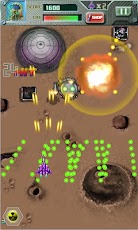
Raiden 2013 v1.7 Android + Mod Unlimited QVGA HVGA WVGA

Raiden2013 HD

Android platform 2D barrage shooting game masterpiece finally arrived: the world-wide roll out is happening! You will be driving the most advanced system on the planet for the Angry Bee Fighter with the all three-dimensional combat alien team made up of a fleet of land, sea and air teams!!Now in high-definition picture quality in the game. Capturing up to 40FPS picture frames, Precise and responsive handling experience, giving a sense of superior sound, with more than 30 kinds of enemy battleship modeling, more than 40 kinds of barrage will experience the epic aerial combat blockbuster Angry Bee Fighter!!!


Required Android : 2.1 and up

Version : 1.7

Download Links : {Armv6 & Armv7}


DataFileHost:
Raiden 2013 v1.7 APK {HVGA,QVGA,WVGA,TAB} Link

DataFileHost:

Just Install Apk & Play

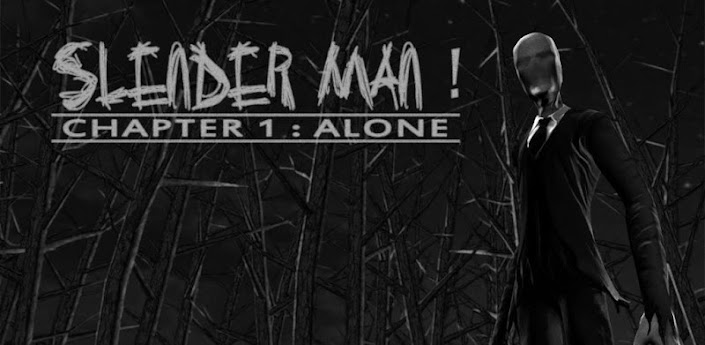
Slender Man! Chapter 1: Alone HD APK {Full}

Slender Man! Chapter 1: Alone

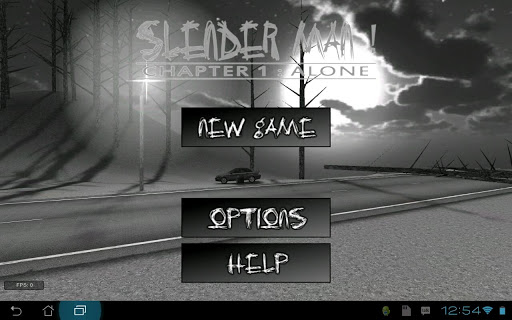
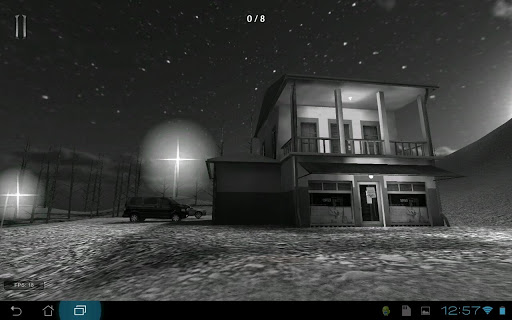
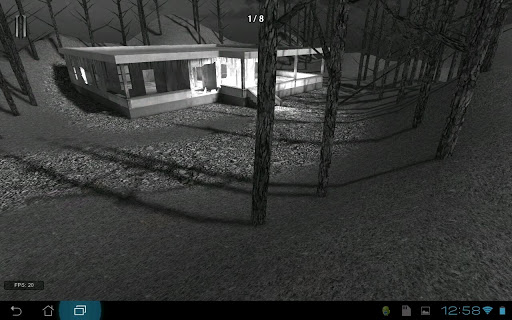
Slender Man! is a brand new 3D survival horror game based upon the Slender Man (slenderman) legend. See how long you can survive before Slender Man gets you, with only your wits to aid you!


Required Android : 2.0.1 and up

Version :3.00

Download Links :{ARMv6 & ARMv7}


DataFileHost:

Install Apk & Play...

League of Shadows HD v0.0.67 Android HVGA QVGA WVGA


Eliminate all your enemies in this simple and fun game!


Download Link:{ARMv6 & ARMv7}

DataFileHost:

Just Install APK & Play....

How to Increase RAM using Swap File and Swap Partition For Galaxy Y { Tutorial }

Hi Guys Today i will Show you How to Increase RAM using Swap File and Swap Partition For Galaxy Y.


Installation Guide :


Setting on your pc/laptop.

o  At First we have to create Swap Partition with the help of MiniTool Partition Wizard


o  Just Plug in you MicroSD Card to your computer using the card adapter.
{Note: Don't use usb for mounting card}
o  And now open MiniTool Partition Wizard on your pc and search for the SDcard
then press right click on it and select option Delete Partition & click on Apply to Delete the Partition
o  Now again right click on it and select Create Partition

You have to create the partitions as follow:

1st partition:

  • Label: Android-SD
  • Create as: Primary
  • File System: Fat32
  • Partition size: as which you want.

2nd partition:


  • Label: Android-EXT3 (2nd partition is for EXT which you can use for A2SD or Link2SD)
  • Create as: Primary
  • File System: EXT3 (be it a custom kernel or ROM with EXT4 support, use EXT3 still -play safe )
  • Partition size: MIN: 256 MB MAX: 1024MB (1GB)

3rd partition:

  • Label: (don't write anything)
  • Create as: Primary
  • File System: Linux Swap
  • Partition size: MIN: 32MB MAX: 1024MB(1GB) RECOMMENDED: 256MB

After creating partitions, u have to click on apply to apply changes.


Setting on your Galaxy Y
  • First of all backup your system and charge battery full.
  • Reboot in Recovery mode by pressing vol up+home+Power button together once you enter recovery mode touch screen become function-less so use volume up and down to move up and down, home button for selection and power as back button.
  • Go to Advanced and Debugging
  • Select partition SD card and select the partition size that you like
How to use Swap
  • For swap we need Swapper2.apk  download from below link.
  • Download & Install Swapper2
  • After installing, open Swapper2 and navigate to Menu > Settings
  • Swapper preferences: (for kernels that doesn't have swap partition support)
  • Run swapper at startup (put a check)
  • Swap place: /sd card/swapfile.swp (you can place it in a folder if you don't like a mess sd card structure )
  • Swap size: MIN: 10 MB MAX: 256MB RECOMMENDED: 32MB (choose any)
  • Swapiness: RECOMMENDED: 10MB SYSTEM DEFAULT: 60MB MAX: 100MB (choose any)
  • Safe unmount (put a check)
  • Safe remount (put a check)
Advanced preferences: (for Kernels that supports swap partition only)
  • Use swap partition (put a check)
  • Swap partition: /dev/block/mmcblk1p2

After setting preferences, press back and tap on "ON" to turn on swap. Reboot


 Note : If you want to check swap is activated or not.

Require ADB Shell or terminal Emulator
Make sure you have Installed BusyBox

Now open terminal emulator - or open adb shell - and run free.
Looks with zeros in the swap line that means swap not done


Looks anything other than zeros in the swap line that means swap done.


NOTE:You need to turn off swap before you mount SD via USB, if you don't you will not be able to mount sdcard as swap file is active and set to read only which will deny request to mount USB Storage.

XPERIA S LockScreen with Themed Music for Galaxy Y

Hi Guys Presenting XPERIA S LockScreen with Themed Music for Galaxy Y Shared by Xda member Faris  Hadzir so, If you like this mod first thanks to him.


Requirements:

A Running Hyperion 8 Custom Rom on Galaxy Y { Hyperion 8 Custom Rom For Galaxy Y}
Download Theme : HYPERIA.modv1-2.zip


Warning:

Use at your own Risk! we will not be held responsible for any damage to your phone.


Installation Instruction:
  • Go to cwm mount system
  • Install update from SD card .
  • After finished , don't reboot yet to avoid Force Closed
  • Go to advanced , go to Fix Permission and reboot.
  • Done


Monday, 25 February 2013

Chundos + turbo + Mod v1.0.4 All Maps Unlocked Android HVGA QVGA WVGA Full HD


Chundos + turbo

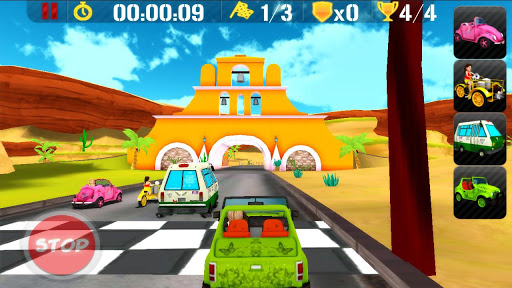
Somewhere in Mexico the greatest race of all times is about to begin!

Race with the unique characters and help one of them to win! But remember, be very careful in battle mode because your opponents are very cruel, they will do everything to exploit your car and win the race.

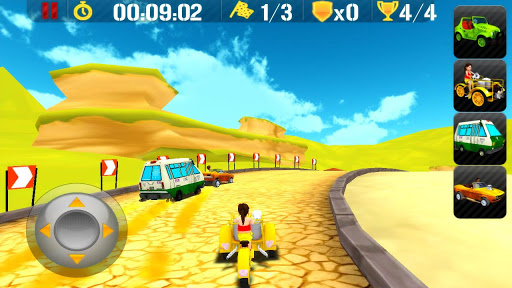
Experience more realistic car engine optimized for Android and enjoy the fun of the greatest race with Mexican characters.

FEATURES

  • 3 Game Modes (Single Race, Cup and Battle Race)
  • 6 Funny Characters & 6 Unique Cars (each car has different characteristics)
  • 6 Unique Tracks in Beautiful 3D Environments
  • 3 Drive Modes (Accelerometer, Touch & Joystick)
  • 3 Different Weapons in Battle Mode (Bazooka, Grenade & Machine Gun + Shield Protector)
  • Amazing 3D effects and sound effects
  • Hours of gameplay
  • No ads


Requires Android: 2.3.3 and Up


Version: 1.0.2

Download Links: (ARMv6 and ARMv7)